• GPL-3.0
  • No ads
  • No tracking
  • No account
  • No subscription

IPTV player for Android TV · Fire Stick · Phone

Always free,Always open source

NoXPlayer plays your IPTV subscription — live channels, movies and series — with a proper TV guide and an interface built to be driven by a remote from ten feet away. You bring the playlist. It brings everything else.

Fire Stick · Downloader code 1760256

One universal APK — Android phones and tablets, Android TV boxes and Fire TV sticks. Sideload it directly; there is nothing to sign up for.

NoXPlayer ships no channels. It is a player, not a streaming service — there is no content inside it and none is provided. You need your own IPTV provider: an Xtream Codes login, or an M3U playlist URL.

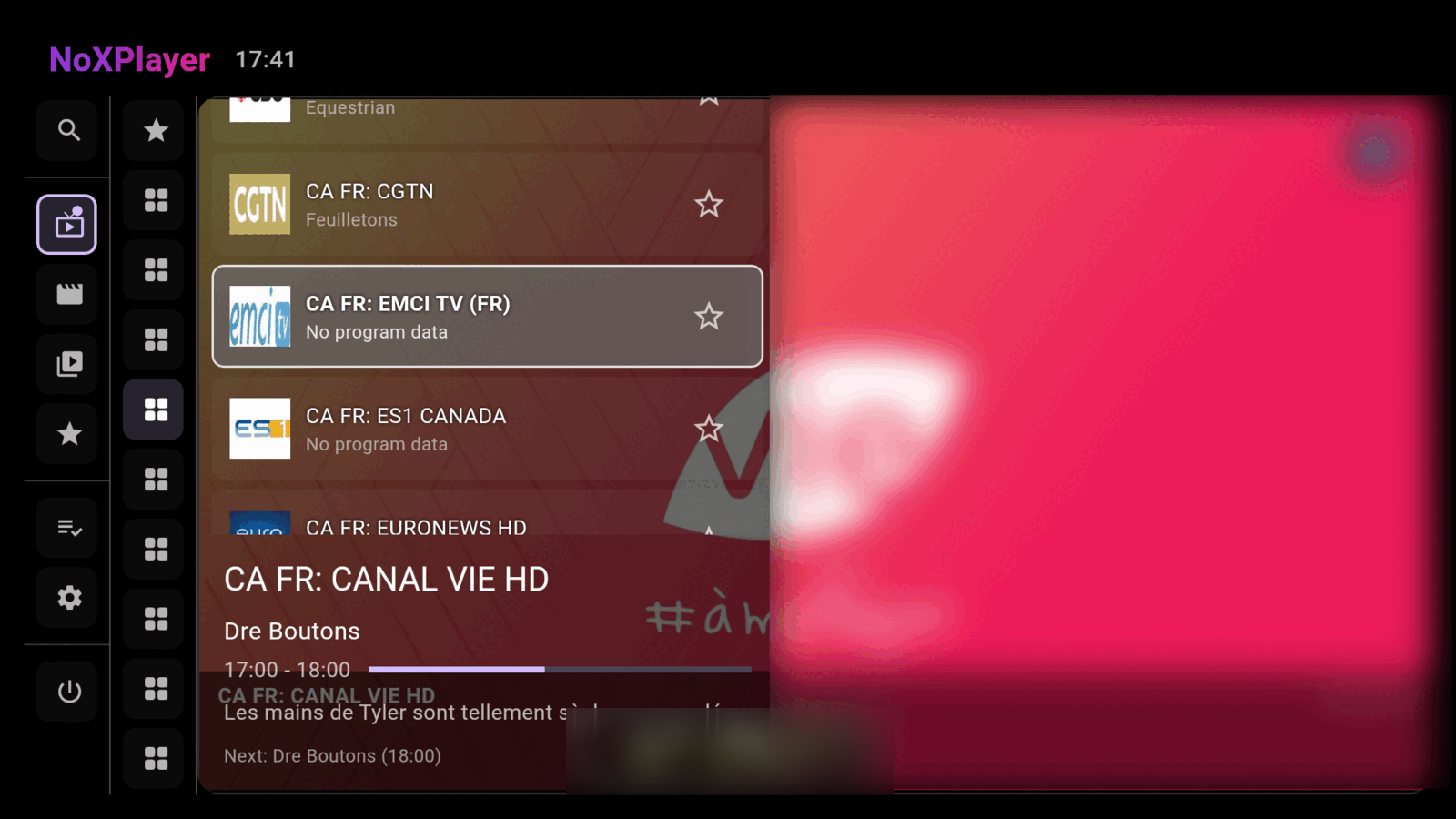
NoXPlayer live TV screen: a channel list on the left beside a scrolling programme guide grid, with the current programme previewed at the top.
Live TV with the XMLTV guide
Before you start

You bring the playlist

NoXPlayer connects to a provider you already pay for. If you don't have one, the app will open, look lovely, and show you nothing. Either of these gets you running:

Xtream Codes Login

Server URL, username and password. NoXPlayer pulls your live channels, movies and series catalogues, plus the EPG, straight from the provider's API.

M3U playlist URL

A direct .m3u or .m3u8 URL, with an optional separate XMLTV EPG URL for the guide. Add as many as you like and switch between them.


What's inside

Everything a set-top box should have done

Built by someone who got tired of IPTV apps that are slow, full of adverts, or quietly phoning home. The full list, grouped — none of it behind a paywall, because there isn't one.

01 / PLAYLISTS & SERVERS

Connect once, stay connected

Providers go down. The app is built on the assumption that yours will.

  • As many playlists as you want Xtream Codes logins and M3U / M3U8 URLs side by side. Each one can be switched on or off independently, and everything that's on merges into a single set of tabs.
  • Backup servers Give a playlist alternate server addresses. If the main one won't answer, NoXPlayer tries each backup a few seconds apart, remembers which one replied, and starts there next time.
  • Reconnects mid-stream A live channel that drops while you're watching falls back through those same backup servers rather than dumping you out to the menu.
  • Subscription expiry When your provider reports an expiry date for the account, the app shows it — so the day it lapses isn't a mystery.
  • Errors that say something A failed connection names the server that failed and gives you a Retry action, instead of an empty screen and a shrug.
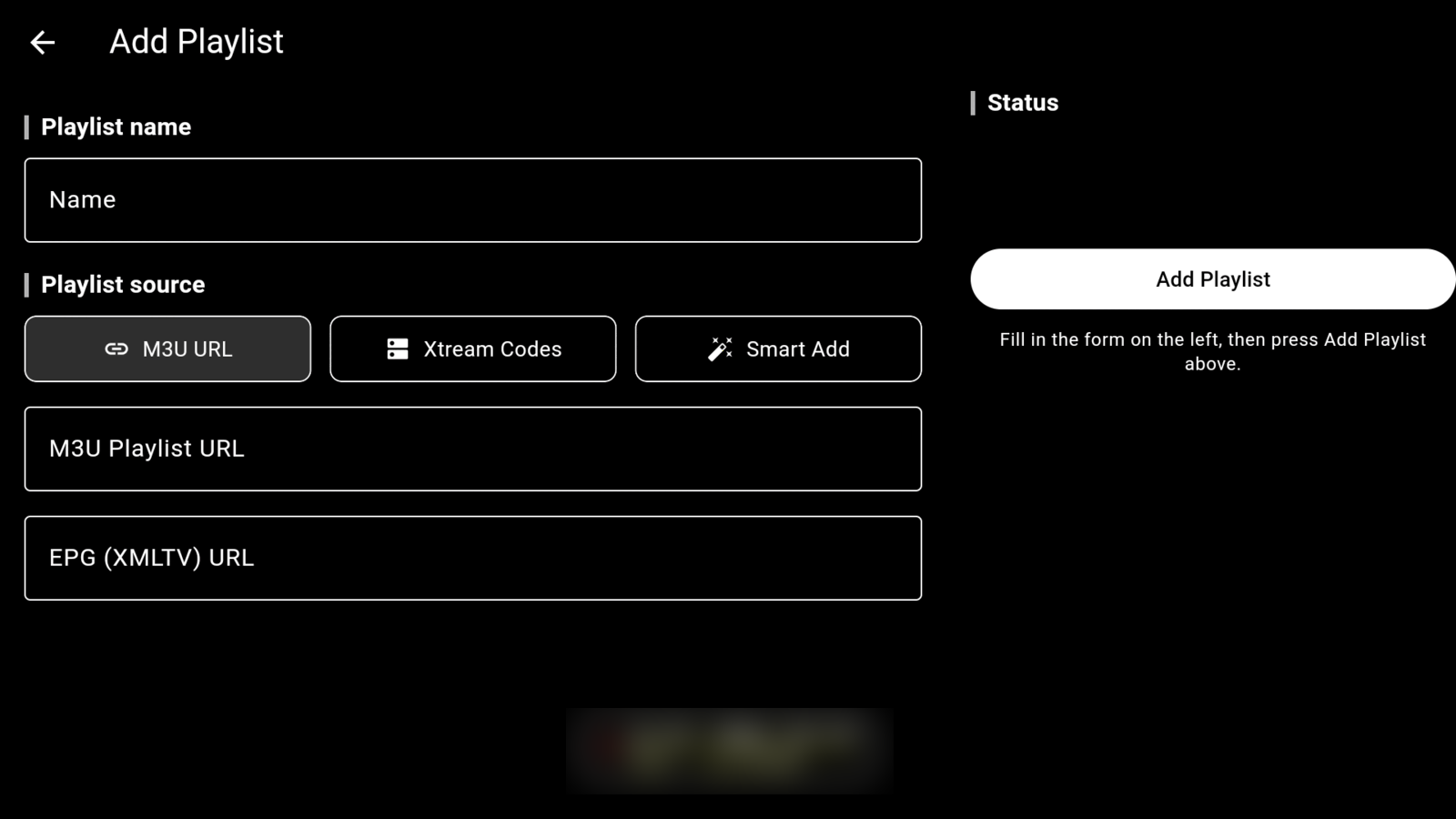
NoXPlayer's Add Playlist screen: a name field and three source options — M3U URL, Xtream Codes login, and Smart Add — with fields for the playlist URL and an optional XMLTV guide URL.
Adding a playlist — M3U URL, Xtream Codes login, or Smart Add

02 / LIVE TV

A guide worth reading

The part most IPTV apps either skip or render unreadably.

  • XMLTV programme guide Now playing and up next for every channel, with a progress bar showing how far through the current programme you are.
  • Groups in their own column Channel groups get a dedicated column rather than being buried in a dropdown, so moving between categories is one press sideways.
  • Hide the groups you never watch Hidden groups are also skipped during background downloading, so the categories you don't care about cost you nothing at all.
  • Favourite channels and groups Pin individual channels or whole groups. Favourites are shared across every playlist, so they survive switching providers.
  • Picks up where you left off Launch the app and your last channel comes back automatically.
  • Live pill Wander off into the movie catalogue and a floating pill stays on screen to jump you straight back to the live channel you left playing.

03 / MOVIES & TV SHOWS

A catalogue, not a spreadsheet

Video on demand browsed by artwork, the way it should be.

  • Poster-grid browsing Films and series laid out as artwork by category, with the ratings your provider supplies shown on the tiles.
  • Proper series support Seasons and episodes are structured as such, and the next episode auto-advances when the current one finishes.
  • Continue watching Playback positions are kept for both films and individual episodes, so you resume exactly where you stopped.
  • “What's New” slideshow An optional rotating showcase of recently added titles. It's opt-in from the groups list — off unless you ask for it.
  • Search across everything Search live channels, movies or TV shows, switching between the three with a single press.
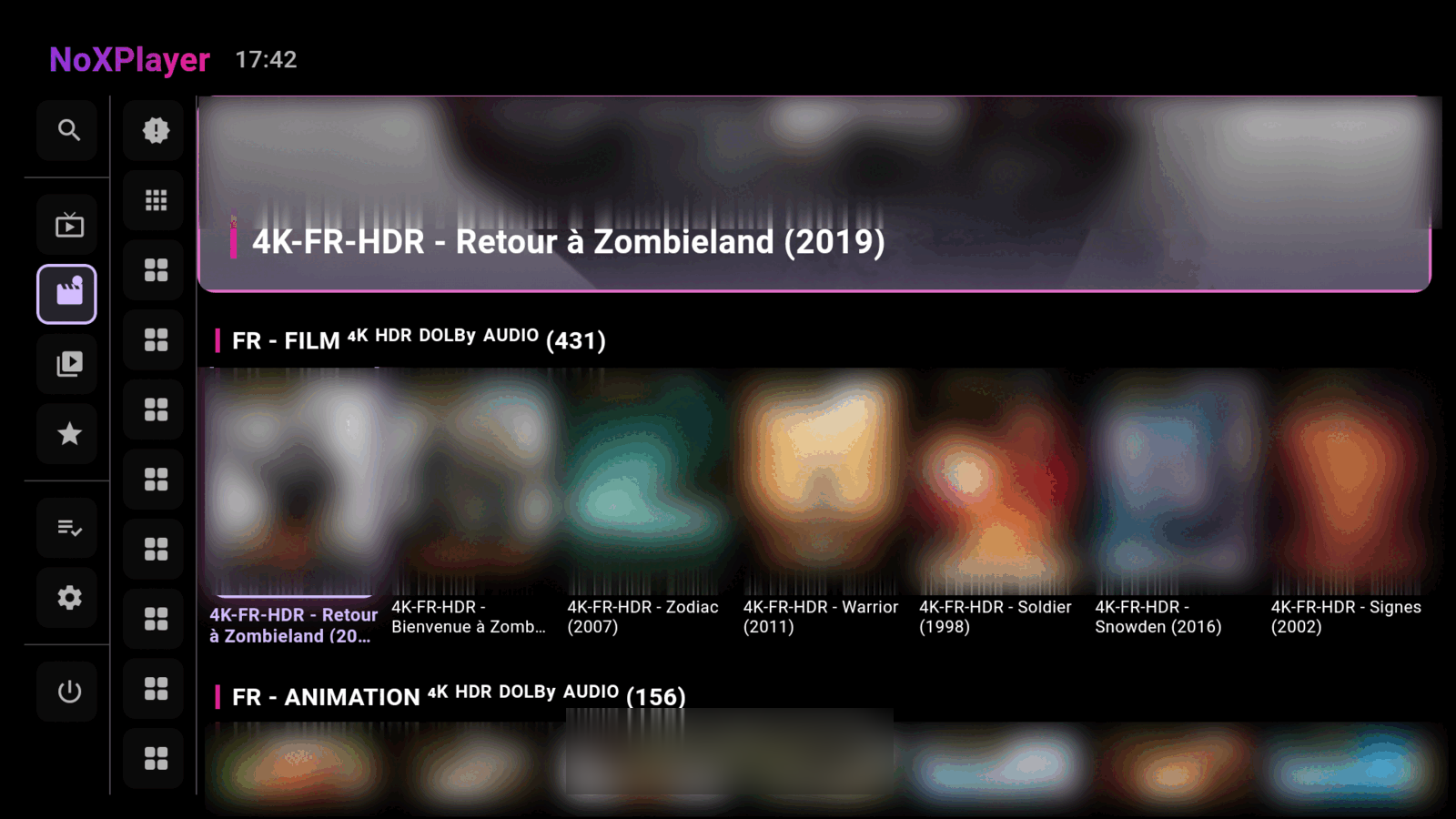
NoXPlayer movies screen: a grid of film poster artwork with rating badges and a category list along the side.
Movies — poster grid, categories and provider ratings

04 / REMOTE, TV & SPEED

Fast on the hardware you own

Including the five-year-old stick behind the television.

  • Full D-pad navigation A genuine 10-foot interface — every screen is reachable with arrows and OK, with no assumption that a touchscreen exists.
  • Phone, box and stick Android phones and tablets, Android TV boxes such as Formuler, and Amazon Fire Sticks, all from one universal APK.
  • Local catalogue database Your provider's listings are indexed on-device instead of re-parsed every launch, so tens of thousands of channels stay quick on cheap hardware.
  • Background updates, on your schedule The catalogue refreshes itself in the background at an interval you choose, rather than making you wait at startup.
  • Hardware-accelerated playback Decoding is handed to the device, including 4K and HDR where the hardware supports it.
  • Updates itself A built-in update check tells you when a new release is out and fetches it — no reinstalling by hand every time.

Ten feet away

Designed for a remote, not retrofitted for one

Most IPTV apps are phone apps someone stretched onto a television. Every screen here was laid out for a D-pad first: predictable focus order, targets big enough to hit from the sofa, and a focus ring you can actually see across the room.

  • Nothing needs a pointer. Arrows and OK reach every control, including the player.
  • Seek, subtitles and audio tracks are all on the remote, without a settings safari.
  • Tested on the real thing — Formuler boxes and Fire TV sticks, not just an emulator.
  • Touch-first on phones. The same app detects the device and lays itself out properly.
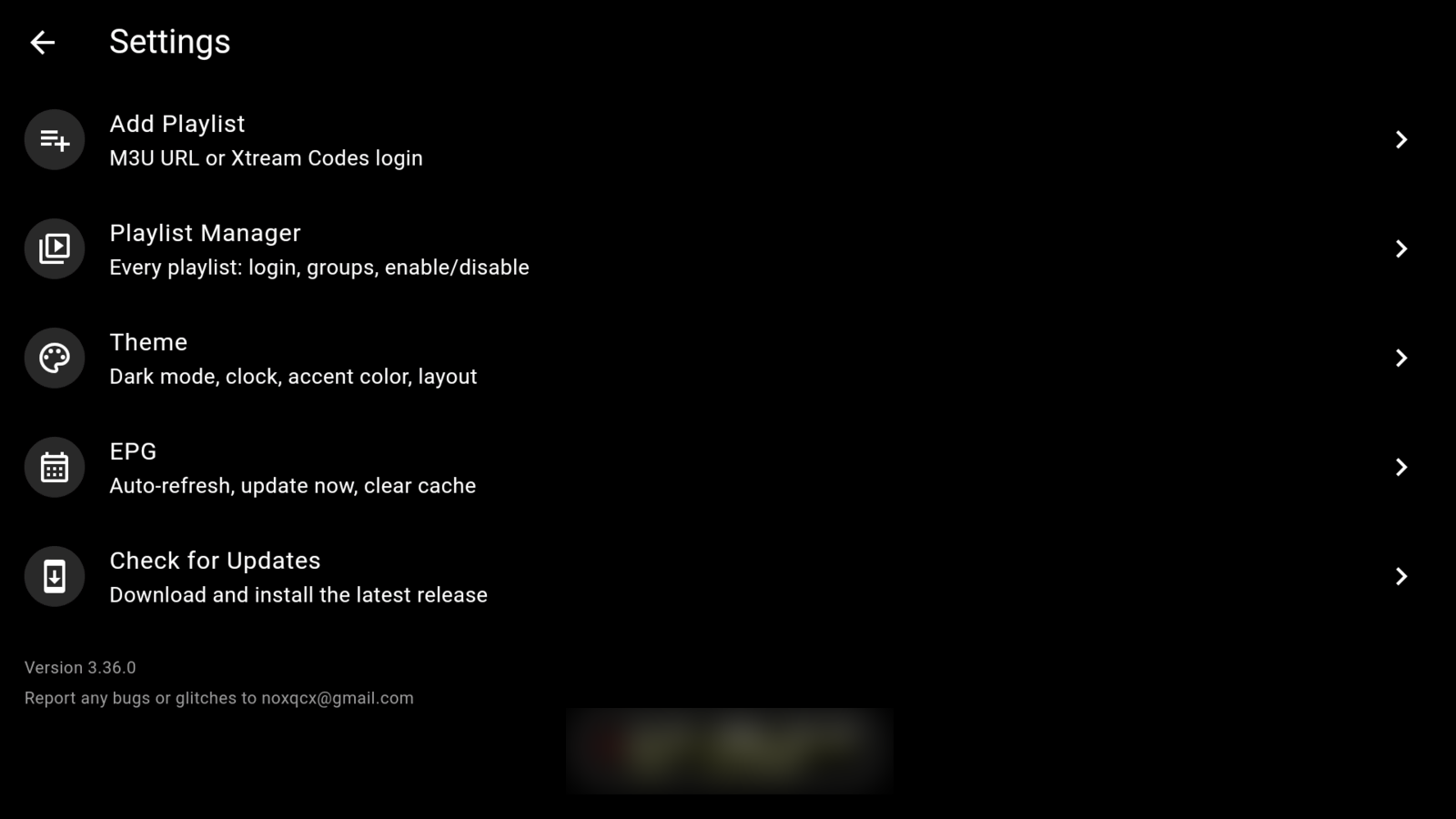
NoXPlayer's settings screen laid out for a remote: large, widely spaced rows for Add Playlist, Playlist Manager, Theme, EPG and Check for Updates, each with an icon and a short description.
Every screen sized for a D-pad and a sofa

Install

Three ways in, five minutes each

NoXPlayer isn't on the Play Store or the Amazon Appstore — it is sideloaded, the same way you'd install anything else on a stick or a box.

02 / ANDROID TV BOX

Formuler, Shield & friends

  1. The same Downloader code 1760256 works here.
  2. Or, if you have developer options on, install over USB debugging with
    adb install -r app-release.apk
  3. Launch NoXPlayer and add your playlist under Settings.

Built and tested on Formuler boxes with a physical remote.

03 / PHONE & TABLET

Direct download

  1. Tap the download button below on the device itself.
  2. Allow your browser to install unknown apps when prompted.
  3. Open the downloaded APK and install it.
Get app-release.apk

Always free,
Always open source

Not free-for-now, not free-with-an-upgrade-prompt. NoXPlayer is licensed under the GNU General Public Licence v3.0 — every line of it is on GitHub, you can read it, build it, fork it, and it has to stay open. There is no telemetry, no analytics SDK, no account, and nothing to buy.

Straight answers

Questions people actually ask

Does NoXPlayer come with channels?

No. It contains no channels, no streams, no playlists and no subscription of any kind, and none are supplied or sold. It is an empty player until you point it at a provider you already have — via Xtream Codes credentials or an M3U URL.

What you connect it to, and whether you're entitled to that content, is between you and your provider.

Is it really free? What's the catch?

There is no catch, no trial, no pro tier and no advertising. It's a personal project released under GPL-3.0 because that felt like the right thing to do with it. The licence means it stays that way, even if someone forks it.

Does it track me or send my credentials anywhere?

No analytics, no crash reporting services, no accounts. Your playlist URLs and credentials are stored on the device and are sent only to the provider you entered, because that's who serves the streams. The source is public if you'd rather verify that than take a stranger's word for it.

Which devices does it run on?

Android phones and tablets, Android TV boxes (developed against Formuler hardware) and Amazon Fire TV sticks. One universal APK covers all of them and adapts its layout to touch or D-pad automatically.

Why isn't it on the Play Store?

Sideloading keeps it free of store policies, listing fees and the review friction that tends to follow anything IPTV-shaped. The download link here always points at the latest release, and the app can check for updates itself.

I found a bug. Where do I send it?

Open an issue on GitHub, or email noxqcx@gmail.com. Your device model, the app version and what you were doing at the time make it enormously easier to fix.